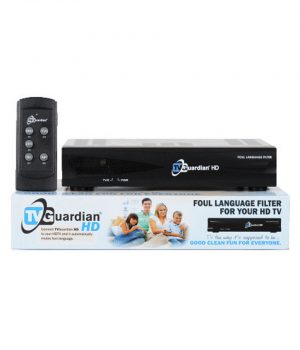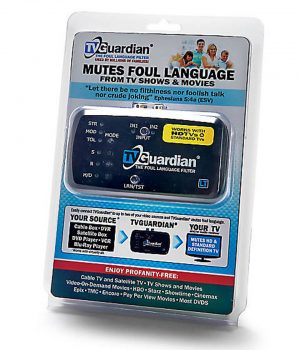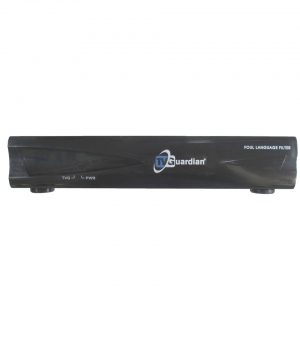
TVGuardian - The Foul Language Filter
The TV Guardian filters profanity from your TV, DVD, Satellite, and Cable, While You Watch!
The TVGuardian automatically detects and filters profanity and other offensive phrases while you watch movies or television shows.
- Watch Movies Profanity Free
- Watch TV Profanity Free
- Control The Content Allowed In Your Home
- No Annual or Reoccurring Fees
- Please note: The TVGuardian does not work with streaming services.
Watch the TV Guardian Demo Videos
Don’t know which TVGuardian is right for you? START HERE!
Use either the TVGuardian 501 HD or the TVGuardian LT for filtering the profanity from your favorite TV shows and movies. Choose the one that will work best for you. Take a look at all the information about the TVGuardian and understand it’s limitations. Also, remember we offer a 30-day money-back guarantee. Please understand how the TVGuardian works and it’s limitations before you place your order.